Your PC games,
on your phone.
Leave your home computer on and control it from your phone, wherever you are.
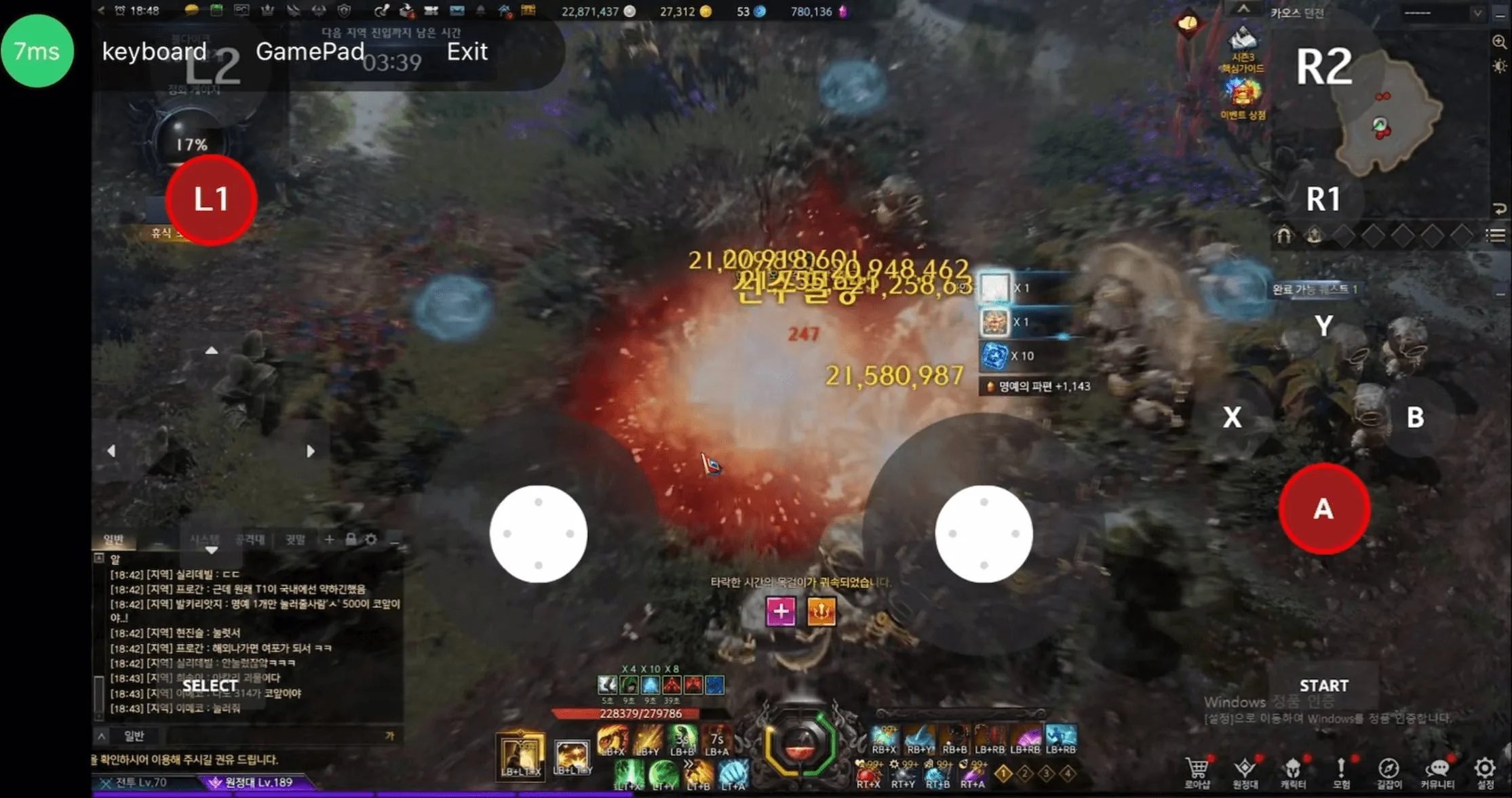
Actual DeepLink remote screen · Android
Start right now
The web version needs no install; the app is ready after a download.
Anywhere, one phone is enough
On the move · military service · school · office · abroad
On the move
Even in a spare moment,
your PC games as they are
Soldiers
During
phone hours
Students
In the dorm,
at school
Office workers
At lunch,
On the way home,
Abroad
Travel, business trips,
studying abroad
Controls that fit your hands
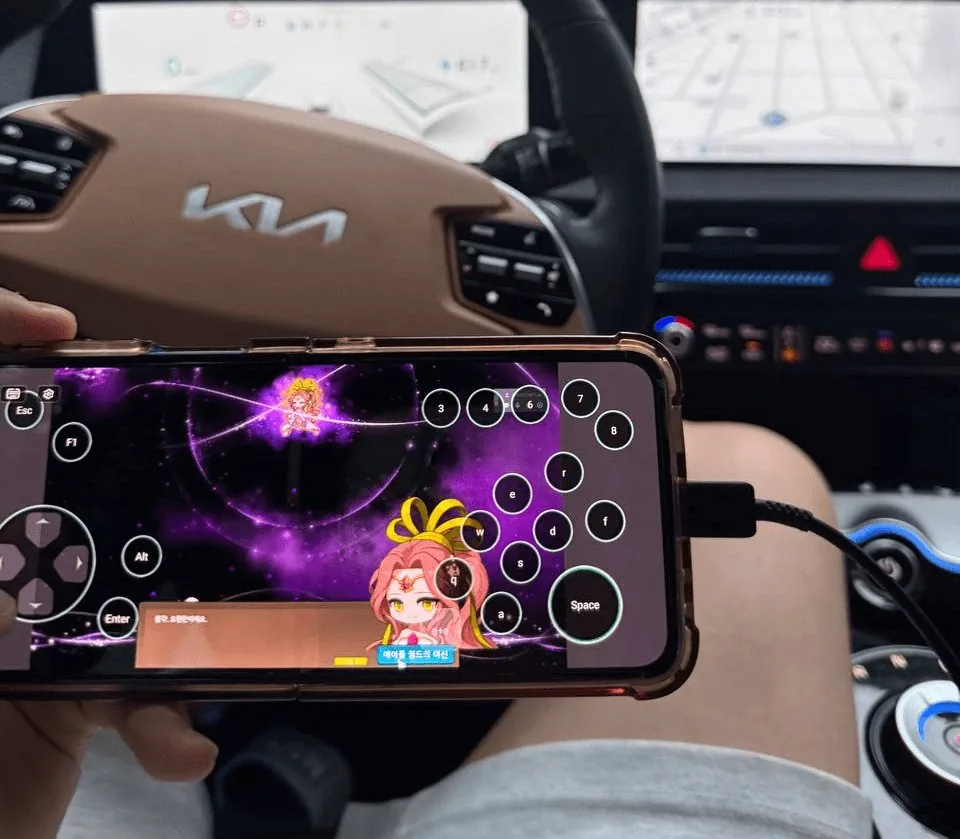
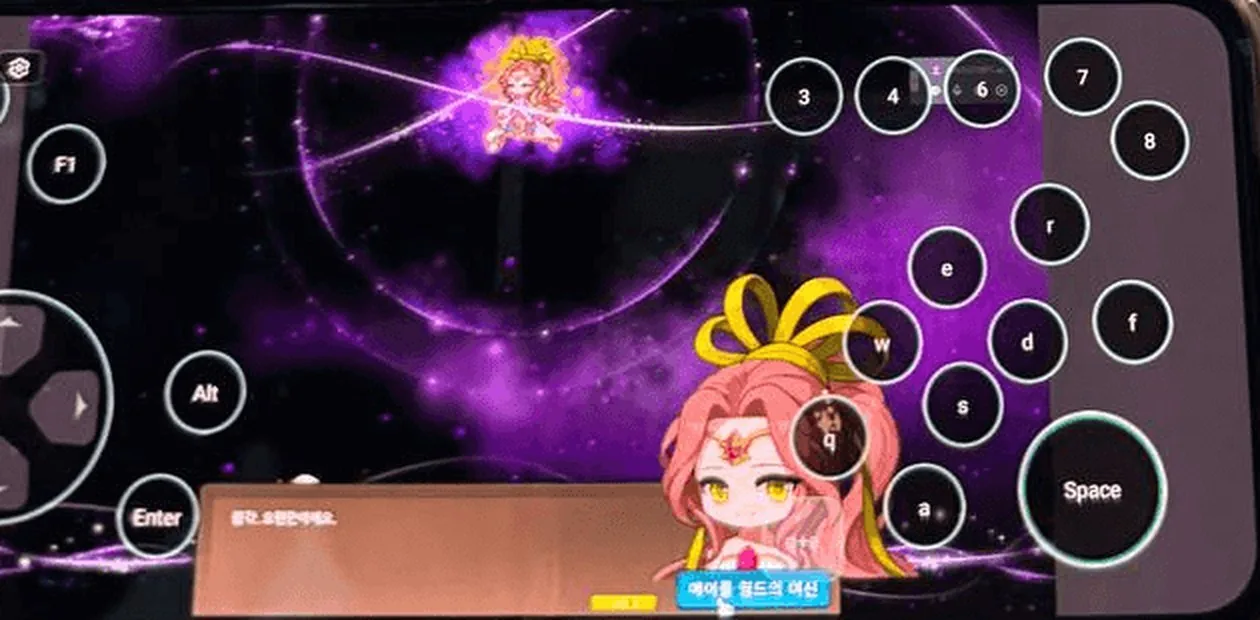
Choose on-screen keyboard buttons or a gamepad.
-
Touch screen = mouse
Tap to click, drag to drag
-
Game Driver
Play games that block remote input
-
Android · iPhone
App on Android, Chrome web on iPhone
Only as much as you need
Choose a period and start right away.
1-month pass
$6
You buy and activate the license in the "Remote Control" menu of the DeepLink program.
Four steps to start
-
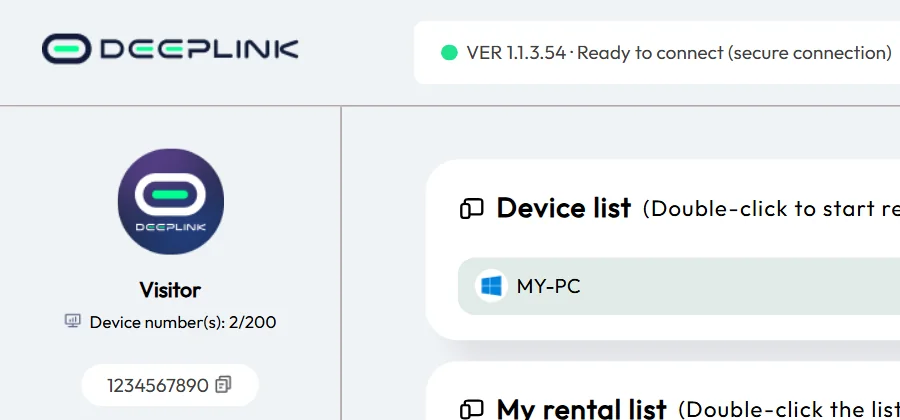
-
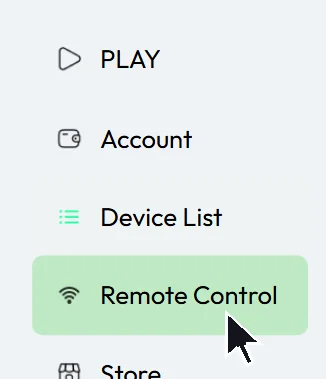
STEP 02
Click the "Remote Control" menu
-
STEP 03
Buy and activate a license
-
STEP 04
Log in on the phone → connect to your PC
Good to know
- To control your PC remotely from a phone, a tablet or a web browser you need to buy and activate a Remote License. The basic remote desktop for connecting from one PC to another is free.
- If either the controlling account or the controlled account has an active license, premium features are available in that remote connection (applies to PC, mobile and browser connections alike).
- The Game Driver requires a Remote License. There is nothing to turn on: the input method adjusts automatically when you start the game.